Visual Prototyping → Adaptive Backend Compiler
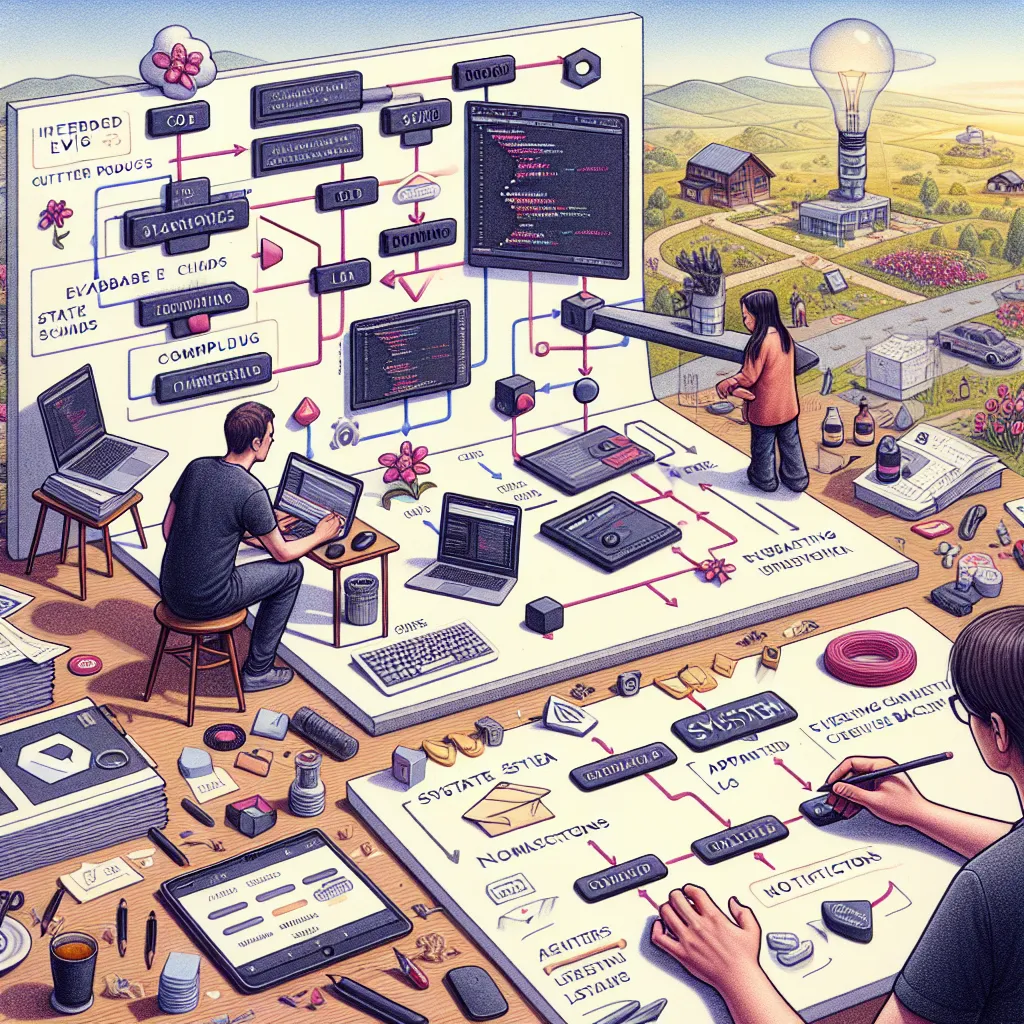
Designers craft entire product flows visually, but those visuals aren’t treated as real logic. A Figma file is still just a sketch—dead to the system until interpreted by a developer. The missing link is a compiler that treats visual design as code. You upload a design (Figma, screenshot, even a napkin sketch), and it’s interpreted structurally: buttons trigger state changes, components infer logic, layout suggests priority. The system builds an adaptive backend that evolves with each design change—like React for visual thinkers. YC said, “as building gets easier, great design matters more.” This flips that: design becomes the input, not the last step. Now a designer can sketch a dashboard for managing community events, and the system builds not just the front-end, but smart database schema, filtering, notifications, and even test data based on the layout. It’s not just generating a product—it’s learning your product by watching you design.
Description
No additional description provided.
The Pitch
In the modern tech ecosystem, designers and developers work hand in hand to bring digital products to life. However, a persistent gap exists between design and implementation. Design files created in tools like Figma are essentially static blueprints, requiring developers to interpret and translate them into functional code. This process is not only time-consuming but also prone to misinterpretation and errors, often leading to iterations that delay time-to-market.
This disconnect is particularly problematic for startups and agile teams that rely on rapid iteration and deployment. The inability to instantly convert design ideas into working prototypes restricts creativity and slows down the innovation cycle.
**Solution:**
Imagine a tool that bridges this gap by transforming visual designs directly into functional code without the need for developers to manually interpret every design element. Our proposed solution is a design compiler that treats visual designs as executable instructions. By uploading a design file, this system would automatically interpret the structural components—like buttons, forms, layouts—and generate a functional backend that adapts to design changes.
**Product Details:**
- **Upload and Interpret**: Users can upload designs from Figma, screenshots, or even hand-drawn images. The tool analyzes the design, interpreting elements such as buttons, forms, and layouts.
- **Code Generation**: Once interpreted, the platform generates code for the frontend as well as a smart backend, complete with database schema, filtering options, and notification systems based on the design's structure.
- **Adaptive Learning**: The system learns from user designs, improving its interpretations over time and offering suggestions for optimizing design elements.
- **Integration and Deployment**: Generated applications can be easily integrated into existing systems or deployed as standalone apps.
- **Collaboration Features**: Designers and non-technical stakeholders can collaborate more effectively, offering real-time feedback and witnessing instant implementations of their ideas.
**Tools for MVP Launch:**
- **Figma API**: For extracting design elements directly from user-uploaded files. - **Node.js and Express**: For backend logic and server operations. - **GraphQL**: To create dynamic database interactions. - **React**: For frontend development, allowing the generation of adaptive UI components. - **AWS or Firebase**: For hosting and database services. - **TensorFlow.js**: To build an intelligent system that can learn and interpret complex design patterns.
**Go-To-Market Strategy:**
1. **Target Audience Identification**: Focus on designers, product managers, and startups looking for rapid prototyping solutions.
2. **Beta Launch**: Partner with a select group of design agencies and SaaS companies to test the MVP in real-world scenarios and gather feedback.
3. **Content Marketing**: Create content showcasing the benefits and use cases of the tool through videos, webinars, and case studies.
4. **Community Engagement**: Establish a community forum for users to share feedback, tips, and best practices.
5. **Strategic Partnerships**: Collaborate with design tool developers and tech communities to expand reach.
**Business Model:**
- **Subscription-Based Pricing**: Offer tiered pricing plans based on features and usage volume. Target different segments such as startups, agencies, and enterprise clients.
- **Freemium Model**: Provide a free version with limited features to attract a broad user base, encouraging upgrades to paid plans.
- **Consulting Services**: Offer personalized support and integration consultancy for larger enterprises or complex projects.
By addressing the crucial bottleneck between design and development, this product aims to streamline the workflow, reduce development times, and empower designers to see their ideas evolve into real, functional applications almost instantaneously. This tool not only transforms the design process but also redefines collaboration, bringing a new level of efficiency and innovation to the digital product development landscape.