Unified AI Orchestration Dashboard for Creators
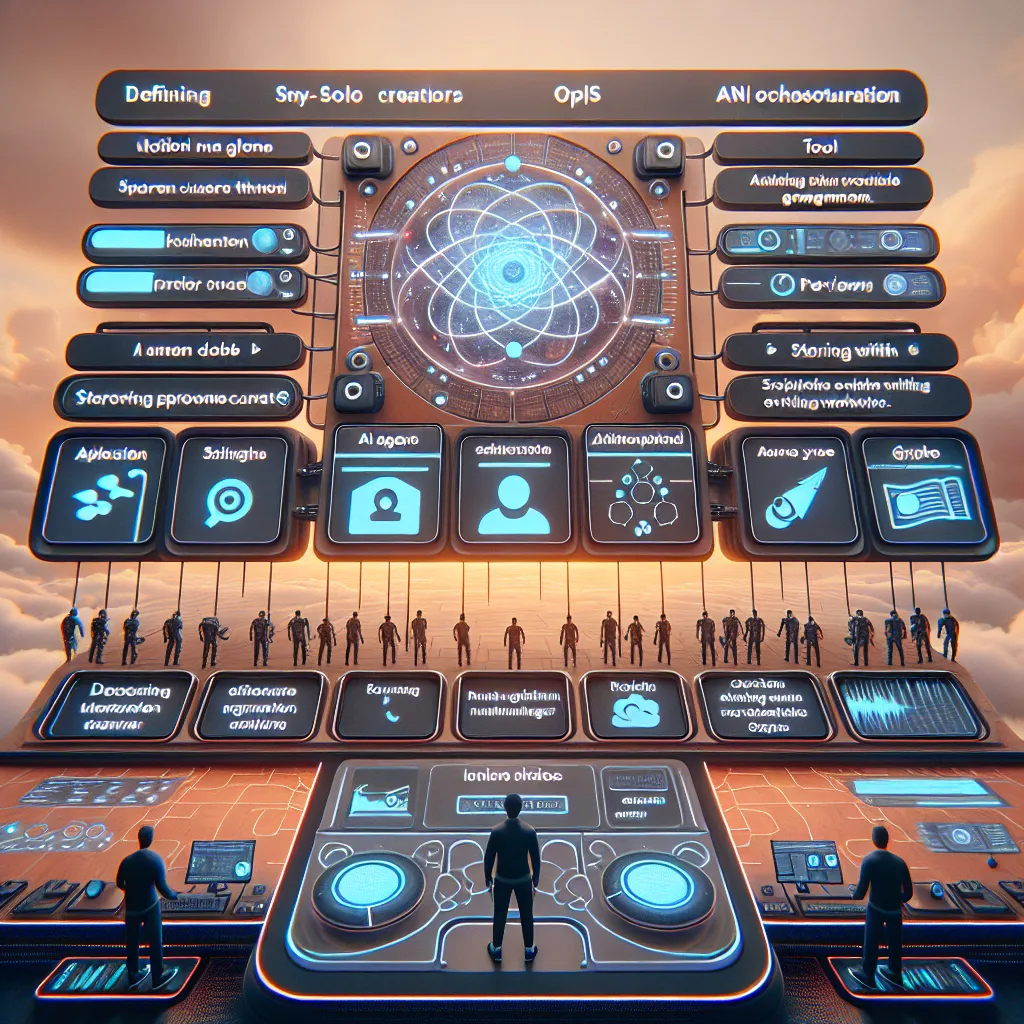
AI agents today are powerful but scattered. Creators must juggle Docker tools, Claude projects, and workflows in Glyph or N8N — each with its own interface, tokens, and logic. This idea is a unified orchestration dashboard for solo creators that lets them define AI agents, assign tools, store SOPs, and preview workflows all in one UI. It simplifies the “quarterback” role so users can actually leverage tools without writing YAML or restarting containers. “It’s janky… quit the app… restart… crazy.” For example, a solo YouTuber could set up a Claude project that pulls from their Notion script queue, runs a Glyph thumbnail generator, and stores everything in one dashboard, all triggered from a single prompt.
Description
No additional description provided.
The Pitch
In the rapidly evolving landscape of artificial intelligence, AI agents have become indispensable tools for creators across various fields. However, the current ecosystem is fragmented, with creators needing to navigate multiple platforms, each with its own complexities. This not only consumes valuable time but also requires a deeper technical understanding than many creators might possess. The pressing problem is the lack of a unified platform that consolidates these tools into a seamless experience.
Creators are currently juggling between Docker setups, Claude projects, and workflows managed through platforms like Glyph or N8N. Each of these comes with its own distinct interface, requires different tokens, and possesses unique logic systems. The complexity involved in managing these disparate systems often acts as a barrier, preventing creators from fully leveraging the potential of AI agents. Many creators express frustration with the current process, highlighting issues like frequent app restarts and convoluted YAML scripting.
Introducing a unified orchestration dashboard aimed at solo creators: a comprehensive solution that brings together all necessary tools and workflows under one cohesive interface. This platform allows creators to define and manage AI agents, assign appropriate tools, store standard operating procedures (SOPs), and preview entire workflows within a single user interface. By centralizing these processes, the platform effectively simplifies the role of the quarterback, enabling creators to focus on innovation and content creation without getting bogged down by technical minutiae.
Consider a solo YouTuber using the platform to enhance their production workflow. They could seamlessly set up a Claude project that automatically pulls content from a Notion script queue. From there, a Glyph-powered thumbnail generator could kick in, creating visually appealing thumbnails, with all content and assets being organized in an easy-to-navigate dashboard. This entire sequence can be triggered by a single prompt, streamlining the content creation process significantly.
The product's key features include an intuitive user interface, tool integration libraries, and customizable workflow templates. It supports seamless integration with popular platforms, provides real-time analytics, and allows for easy workflow adjustments with drag-and-drop functionality.
To build and launch this as a Minimum Viable Product, various tools could make the process easier:
1. Integrations with platforms like Zapier for connecting different services. 2. Use of scalable cloud infrastructure such as AWS or Google Cloud to ensure smooth operation. 3. Leveraging existing API management services to handle various token requirements. 4. Implementation of a robust user interface using frameworks like React or Vue.js.
For the Go-To-Market (GTM) strategy, targeting tech-savvy creators such as YouTubers, bloggers, and independent digital marketers would be an optimal starting point. Initial efforts could focus on building community awareness through digital marketing, partnerships with influencer creators, and offering free trials or beta access to early adopters.
The business model could follow a subscription-based approach, where users pay a monthly fee for different tiers of service. This might include basic access for casual creators and more advanced features for professional users who need additional integrations and higher levels of customization.
Emphasizing seamless functionality and workflow efficiency, this unified dashboard addresses a significant pain point for creators, enabling them to unlock the full potential of AI without the typical hassles of complex setup and maintenance.