Ephemeral UI: Just-in-Time AI Interfaces
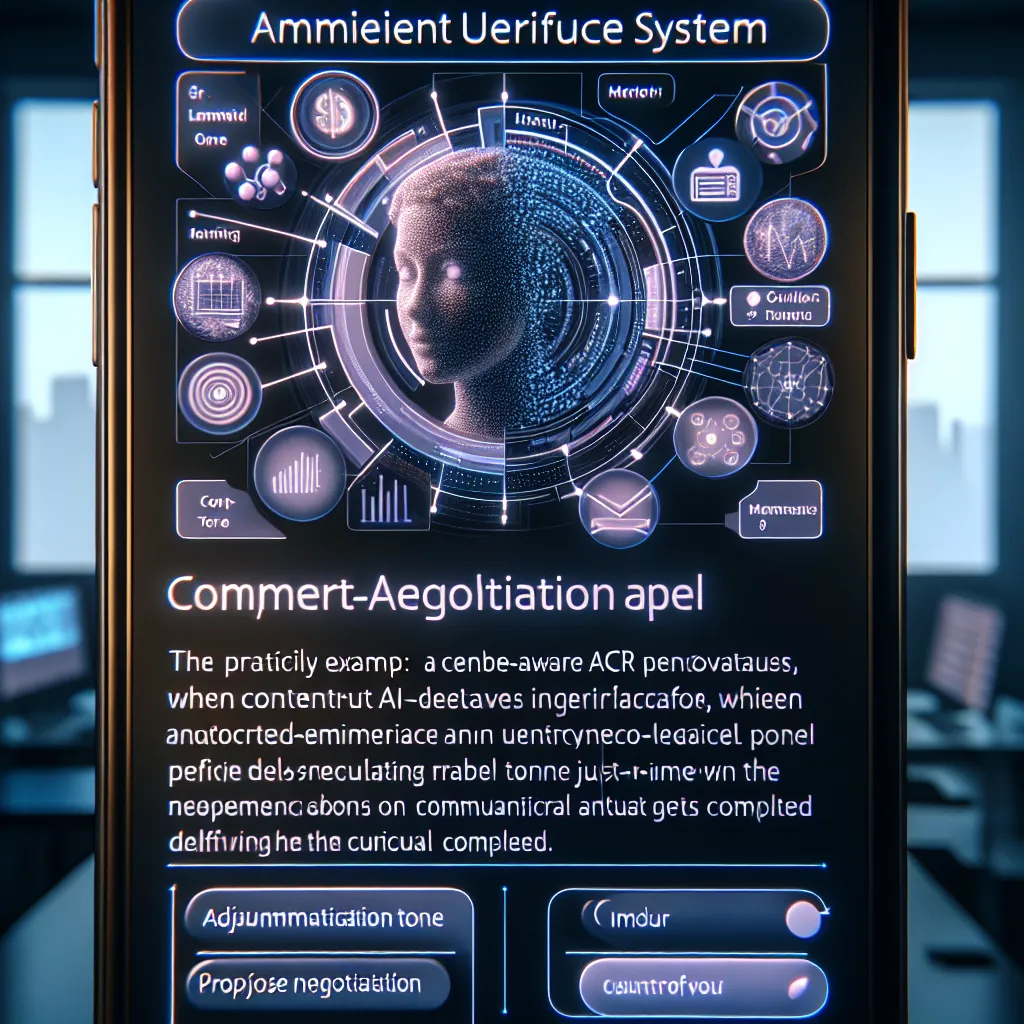
Most AI apps still trap users in screens and chat boxes, even though most tasks only need an interface for a few seconds. The opportunity is a system that generates ephemeral UI—tiny, just-in-time surfaces that appear only when an AI detects user intent, handle the task, and dissolve. As models get faster and more context-aware, bottlenecks shift from intelligence to interaction, making ambient micro-interfaces the next frontier. Imagine a CRM where a negotiation panel materializes inside Slack the moment deal language appears, lets you tweak tone and counters, then disappears once the message is sent.
Description
No additional description provided.
The Pitch
In a world dominated by artificial intelligence apps that confine users to screens and chat boxes, there's a growing opportunity to innovate. The current ecosystem is dense with applications that require users to continuously engage with traditional interfaces. However, most tasks actually require minimal interaction, often only necessitating an interface for a brief moment. This presents a unique opportunity: developing a system capable of generating ephemeral user interfaces. These are tiny, momentary surfaces that appear solely when AI detects user intent and are designed to dissolve once the task is complete.
**Problem Statement**
As AI models become increasingly fast and context-aware, the main challenge is no longer about the intelligence behind these models. It's about how users interact with them. Slow and cumbersome interfaces create bottlenecks, limiting the potential of AI applications. Users are forced into constant, often needless engagement with screens, affecting productivity and overall experience.
**Proposed Solution**
The solution lies in creating ambient micro-interfaces. These are designed to be unobtrusive and are triggered by specific user actions or intents. For example, envision a CRM system where a negotiation panel materializes within Slack only when negotiation-related language is detected. It allows users to adjust tone and modify counters, then seamlessly vanishes once the message is sent. This enhances efficiency by allowing users to interact with AI only when necessary, streamlining their workflow.
**Product Details and Architecture**
1. **Detection Algorithm**: Use natural language processing to detect user intent in real-time across various platforms like email, chat, or document editors.
2. **Interface Generator**: Develop a lightweight system capable of generating mini interfaces that overlay existing apps. This requires integration with platforms such as Slack, Microsoft Teams, and others.
3. **Context Processor**: Implement a context-aware module that understands the broader scenario, ensuring that the interfaces generated are relevant and useful.
4. **Interaction Module**: Design this module to handle tasks and user interactions swiftly, ensuring that interfaces do not linger unnecessarily.
5. **Dissolution Mechanism**: Once the task is complete, interfaces should automatically dissolve, maintaining a clean and uninterrupted user workspace.
**Tools and Technologies for MVP Launch**
- **Frontend**: React.js for building responsive interfaces - **Backend**: Node.js for managing server-side logic - **NLP Libraries**: spaCy or Google Cloud's NLP for intent detection - **Integration APIs**: Slack API, Microsoft Graph API for seamless integration - **Cloud Services**: AWS or Google Cloud for scalable hosting
**Go-To-Market Strategy**
1. **Target Market**: Focus initially on industries like customer service and sales, where quick and efficient communication is vital.
2. **Early Partnerships**: Collaborate with platforms like Slack and Microsoft Teams to ensure optimized integration.
3. **Pilot Programs**: Launch with a handful of beta testers in key industries to gather feedback and iterate the product.
4. **Content Marketing**: Publish whitepapers and case studies showcasing efficiency improvements using ambient micro-interfaces.
5. **Community Engagement**: Develop a community around the platform, encouraging users to share their use cases and feedback.
**Business Model**
- **Subscription Model**: Charge businesses a monthly fee based on the number of users. - **Freemium Model**: Offer basic functionality for free, with advanced features available in premium tiers. - **Enterprise Licensing**: Provide large organizations with customized solutions and dedicated support.
By embracing this new approach, we shift the focus from intelligence bottlenecks to interaction innovations, setting the stage for a new frontier in user experience.